
Behind the Scenes: How the Map Layer Editor Works

At Demograpo, we believe in one simple idea: Tech para sa lahat — technology for everyone. We build tools that help people feel more in control, not overwhelmed, by the digital world.
We believe technology becomes more meaningful when it’s shared — not just the final product, but also the thinking and engineering behind it.
So in that spirit, we’re opening up how we built one of the most complex features in Lupain.AI: the Map Layer Editor.
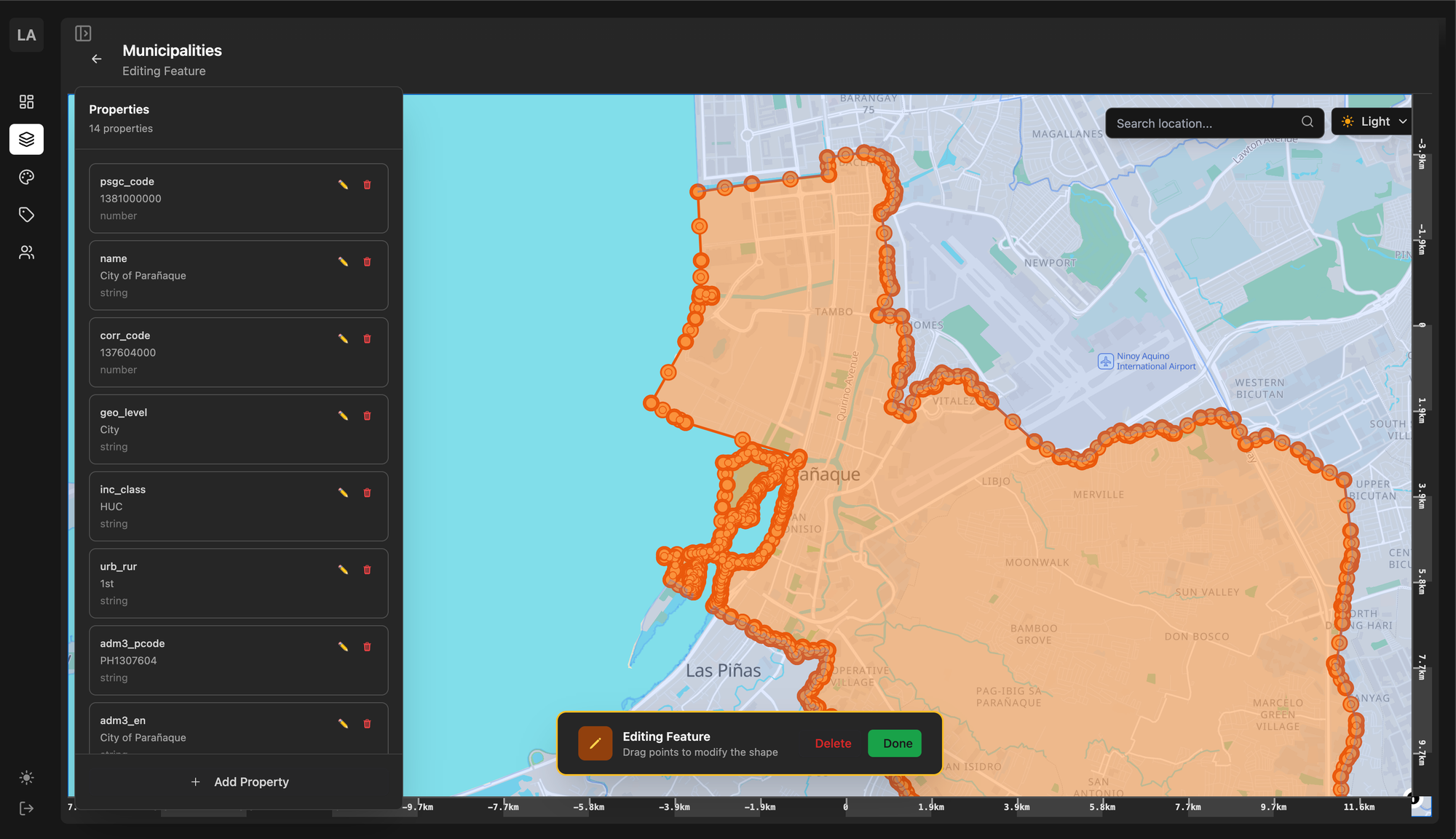
This post walks through the ideas, trade-offs, and quiet engineering decisions that make it possible to edit maps directly from your browser, and see updates appear in real time.
The Challenge
Creating a web-based map editor sounds simple on the surface, but making it both fast to edit and fast to view is a hard balance to achieve.
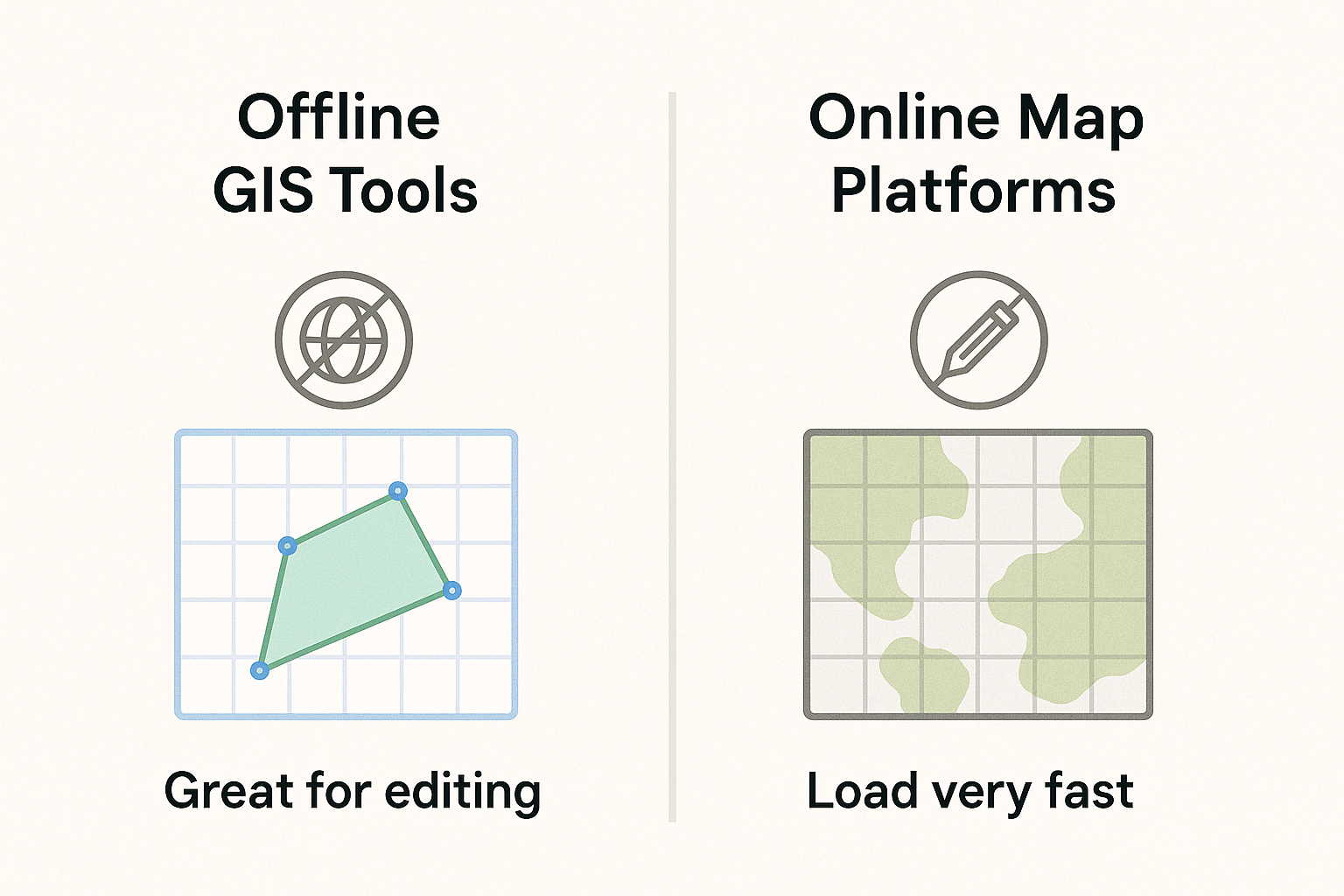
- Offline GIS tools (like QGIS) are great for editing, but not for publishing those changes quickly online.
- On the other hand, map platforms (like Mapbox or ArcGIS) make maps load very fast, but don’t let you edit data directly at the same speed that it was delivered.
In Lupain.AI, we wanted both: for map makers to edit freely, and for viewers to see updates instantly — without waiting or refreshing.
Why Databases Alone Weren’t Enough
A simple solution would be to store all map data in a spatial database like PostGIS. It’s reliable and easy to update. But as map data grows and more people explore it, performance starts to slow down.
Databases are designed for flexible queries, not for the highly optimized, cacheable tiles that make maps load fast on the web.
We needed a way to get the best of both worlds — fast writes and fast reads.
Our Key Realization
After initial exploration and discussions with map makers, we noticed that not all map data behaves the same.